- Flat price, all included
- Up to 50 employees
- No training required
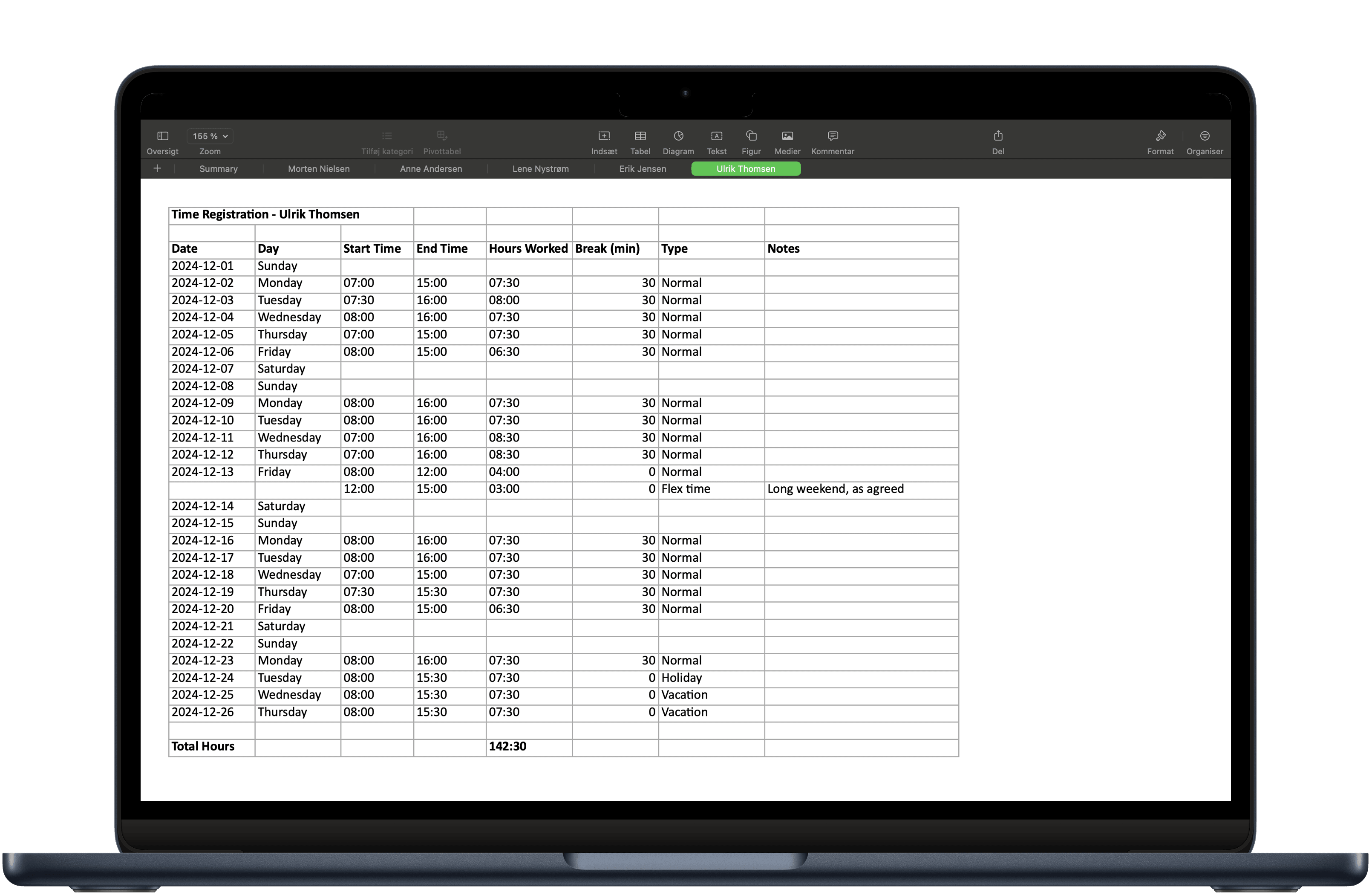
- One-click Excel report
- GDPR-secure in EU datacenter
Terms and conditions apply.
TwoWork
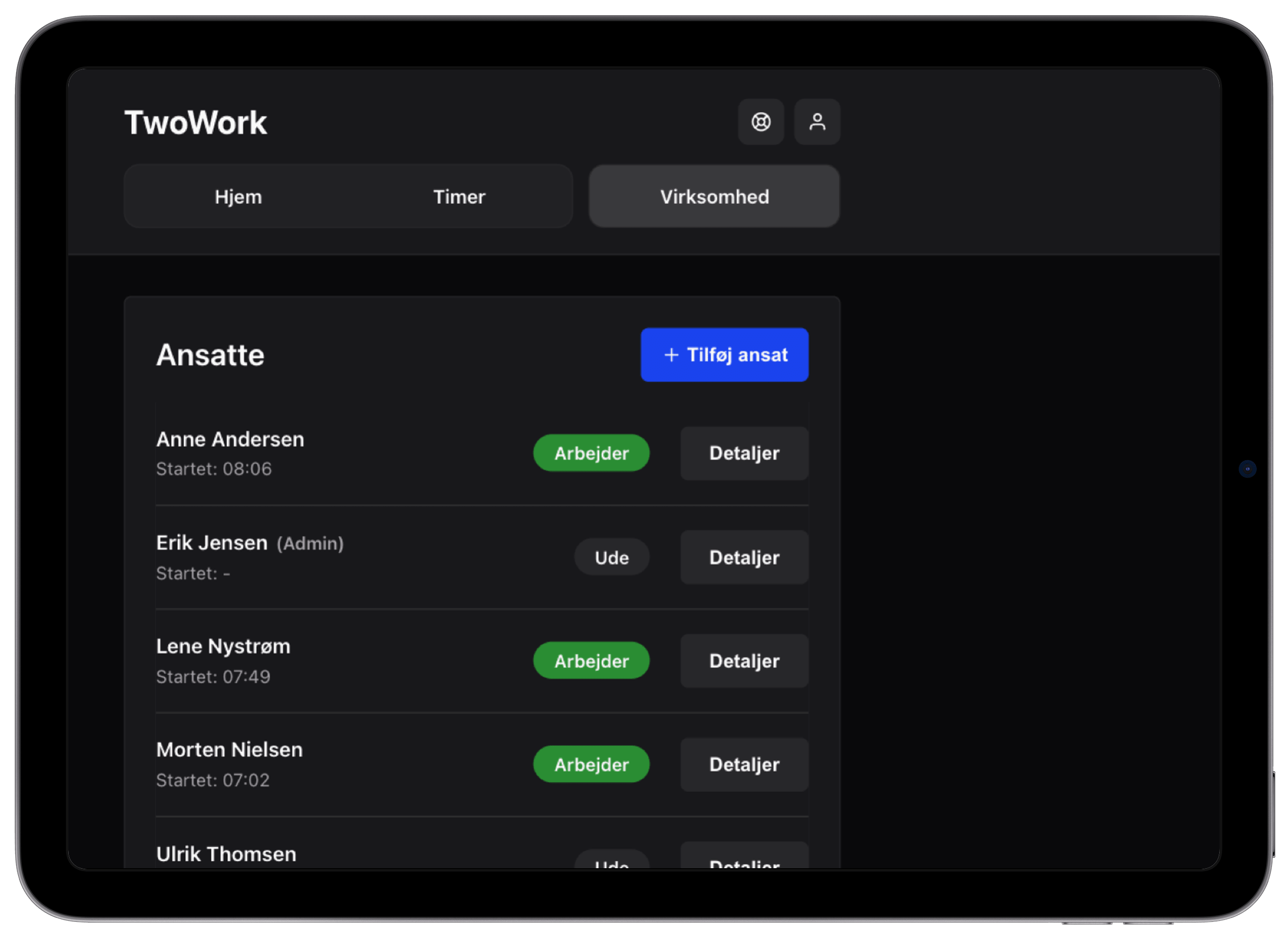
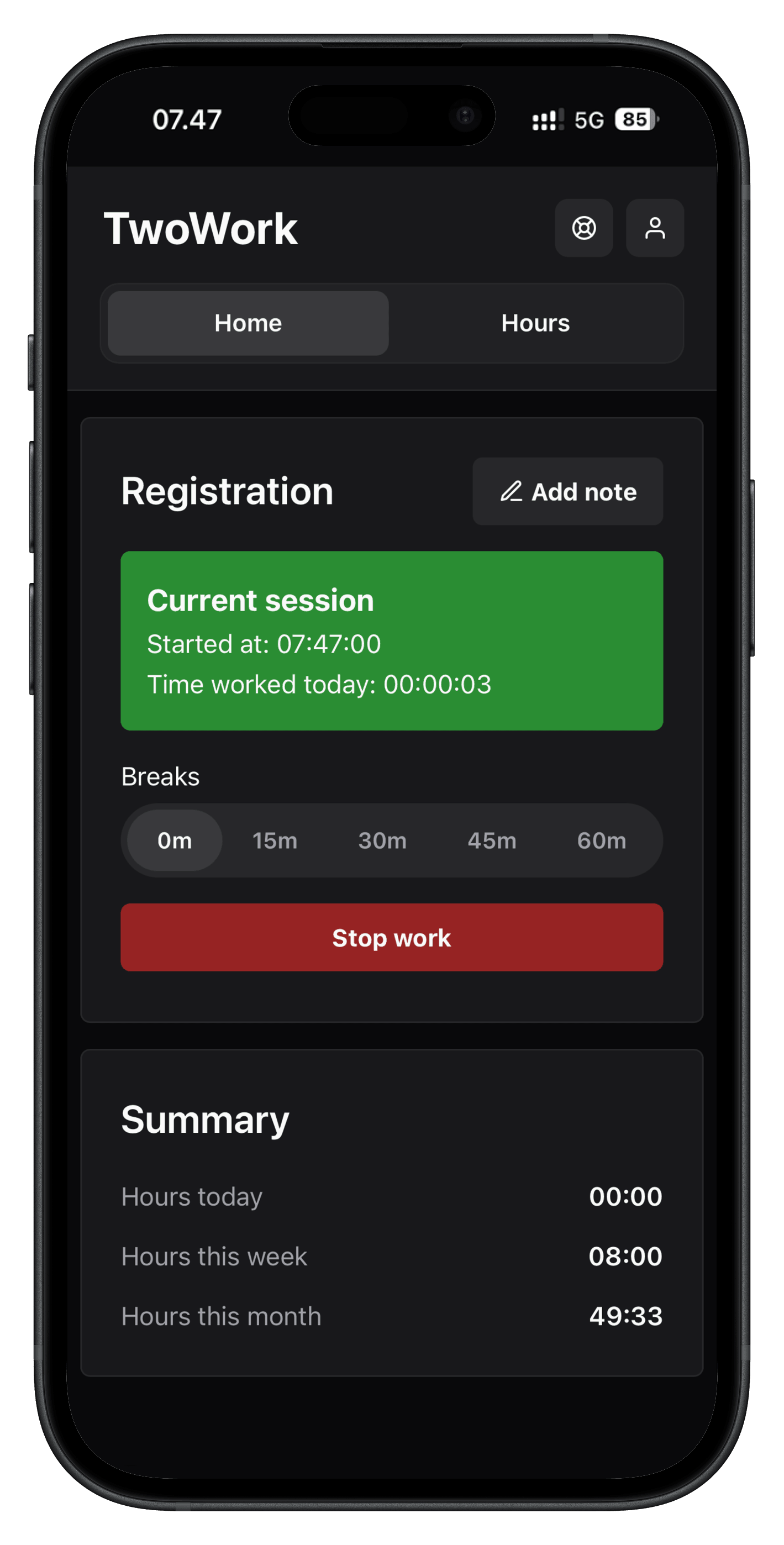
Super simple time tracking, up to 50 employees.
Make it easy for your employees to keep track of their hours from their phone — and just as easy for you to manage it all. Simplicity that works.

Why TwoWork
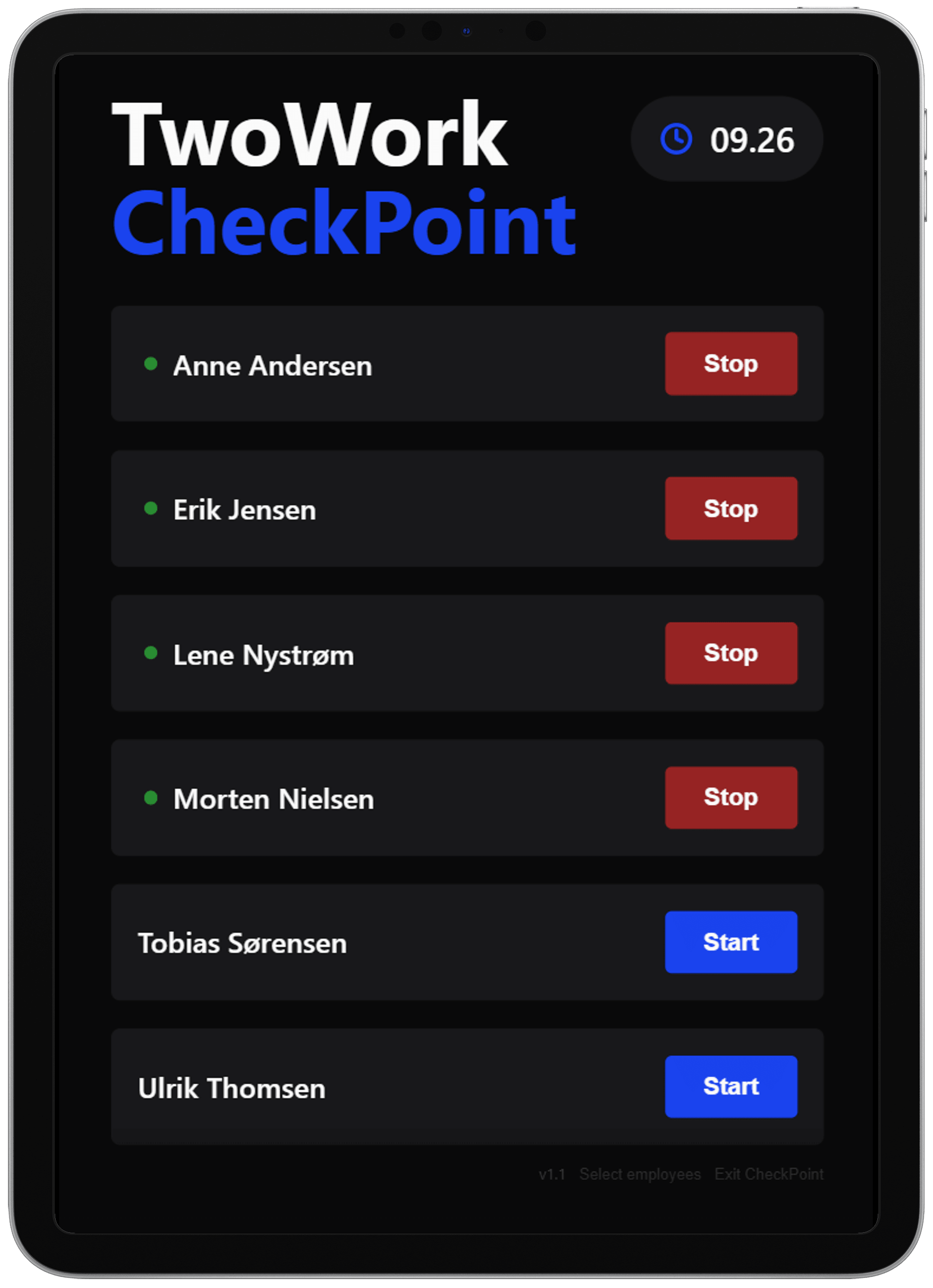
Simple Time Registration
Register working hours efficiently, without the needless extras.
Secure Data Storage
EU-based data storage with daily backups and GDPR compliance.
Quick to Get Started
Up and running in minutes with next to no training — it's simplicity that works.
Up to 50 Employees
The ideal fit for small and mid-sized businesses with up to 50 employees.
Clear Reporting
Simple spreadsheet exports make payroll easy.Download an example Excel file.
Built in Scandinavia
TwoWork is built in Scandinavia for Danish and European businesses.
What our customers say
“TwoWork is just such a wonderfully easy system. Everyone can get the hang of it - making it easy for us to help our employees.”
Rikke Jensen
Office Manager - PileByg A/S
“Switching from SmartTid to TwoWork was the right move. It just works, plain and simple.”
Kasper Raundrup
Farmer - Føjting Landbrug
Our partners
Already a Terra Connect customer? You can now get TwoWork as part of your IT solution. With over 20 years of experience, Terra Connect is one of Denmark's most established IT partners for support, hardware and security.
Get started via Terra Connect →
Spiras is one of Denmark's largest farmers' associations, working every day to make life easier for its members. We do the same. That's why we've partnered to make time tracking simple with TwoWork.
Ask your advisor about TwoWork →About TwoWork
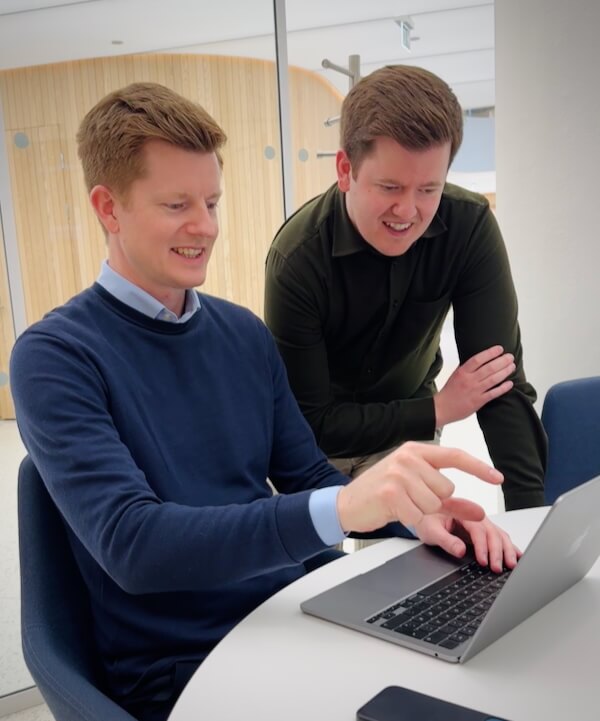
Founders
Nikolaj and Joakim Thomsen
We're two brothers who have tried time tracking in every shape and form. From pen and paper in our teenage years to complex SAP systems in the consulting world. We have felt first-hand how cumbersome time tracking can be. So we built TwoWork. Today, TwoWork helps employees and businesses across Scandinavia keep track of their hours in a super simple way.
With many years of systems-development experience from companies like Statens Pensjonskasse and Nordea Bank, Joakim brings technical expertise and user-centered design to the product. Nikolaj, with several years of experience in digitalization from Agri Nord/Agillix and Terma, brings insight into getting new systems adopted across companies and among employees. Together we have built a solution that is simple, effective and dependable.